Stop Fake COD Orders: WooCommerce WhatsApp Verification
Eliminate Return-to-Origin (RTO) losses by instantly verifying Cash on Delivery orders via an interactive WhatsApp flow.

The Cost of Unverified COD Orders
If you run an e-commerce store in regions like Pakistan, India, or the Middle East, Cash on Delivery (COD) is the lifeblood of your sales. However, unverified COD orders lead to massive Return-to-Origin (RTO) fees, wasting shipping costs and tying up inventory.
The modern solution is simple: require the customer to tap a "Confirm" button on WhatsApp before you pack the box. Instead of calling dozens of customers manually, Waaibot automates this entirely.
Waaibot Store
Official Business
Order #1024 Management
Shopify AdminNative Integrations vs. Custom API
Did you know? Waaibot natively offers 1-click WooCommerce and Shopify connections directly inside our portal's Integrations section. You do not have to write code to use Waaibot!
However, for developers and agencies who want ultimate architectural control, custom trigger conditions (like only triggering for specific products or specific zip codes), or prefer to keep their WordPress plugin count at zero, the direct API snippet method detailed below is the perfect lightweight solution.
Ready to automate your WooCommerce store?
Get your API key instantly and connect your store to Waaibot in minutes. First 1,000 automated messages are free.
The Architecture: Non-Blocking API Requests
When hooking into the woocommerce_new_order action in WordPress, it is critical that you do not slow down the customer's checkout experience.
Our provided PHP snippet uses WordPress's native wp_remote_post function with the 'blocking' => false parameter. This creates a "fire and forget" request. The server tells Waaibot about the order and immediately moves on, ensuring the WooCommerce checkout completes instantly while the Waaibot API handles the heavy lifting in the background.
The PHP Code Snippet
Using the free WPCode plugin (or your child theme's functions.php), inject the following code safely. Remember to replace YOUR_API_KEY and the flow_id with your live credentials from the Waaibot Dashboard.
// Hook into WooCommerce right after an order is created
add_action('woocommerce_new_order', 'waaibot_send_cod_verification', 10, 1);

function waaibot_send_cod_verification($order_id) {
    if (!$order_id) return;

    $order = wc_get_order($order_id);
    if (!$order) return;

    // Safety: Only trigger for Cash on Delivery (COD)
    if ($order->get_payment_method() !== 'cod') return;

    // Safety: Prevent duplicate messages
    if (get_post_meta($order_id, '_waaibot_sent', true) === 'yes') return;

    // Extract and format the phone number
    $phone = preg_replace('/\D+/', '', $order->get_billing_phone());

    // Fix local formats (e.g., Pakistan 03xx to 923xx)
    if (strpos($phone, '03') === 0) {
        $phone = '92' . substr($phone, 1);
    }

    if (empty($phone)) return;

    // Build the Waaibot Flow Payload
    $payload = [
        'phone' => $phone,
        'type' => 'flow',
        'flow_id' => 352, // Replace with your numeric Waaibot Workflow ID
        'variables' => [
            'order_id' => (string) $order->get_order_number(),
            'amount' => (string) $order->get_total(),
        ]
    ];

    // Fire & Forget Request to Waaibot API
    wp_remote_post('https://api.waaibot.com/v1/send', [
        'method'      => 'POST',
        'timeout'     => 5,
        'blocking'    => false, // Crucial for checkout speed!
        'headers'     => [
            'Content-Type' => 'application/json',
            'X-API-Key'    => 'YOUR_API_KEY', // Insert your live API Key
        ],
        'body'        => wp_json_encode($payload),
    ]);

    // Mark order as processed
    update_post_meta($order_id, '_waaibot_sent', 'yes');
}
Once activated, simply place a test order on your store using your own WhatsApp number (and select COD). You will instantly receive the interactive confirmation message!
Frequently Asked Questions
Yes! You can connect multiple WordPress stores by mapping different Webhook API tokens to different Waaibot Workflows, all managed under a single unified dashboard.
Absolutely. When the user taps 'Confirm' on WhatsApp, Waaibot's Action Nodes can trigger a webhook directly back to your WordPress REST API (e.g., /wp-json/wc/v3/orders/) to automatically update the order status to 'Processing'.
Not at all. The code provided uses a 'fire-and-forget' method (blocking => false). WordPress sends the data to Waaibot in the background and instantly loads the 'Thank You' page for your customer without waiting for the API to respond.
Have more questions about our Shopify integration?
Contact our support team or visit our Help Center.
Read Next
View all articles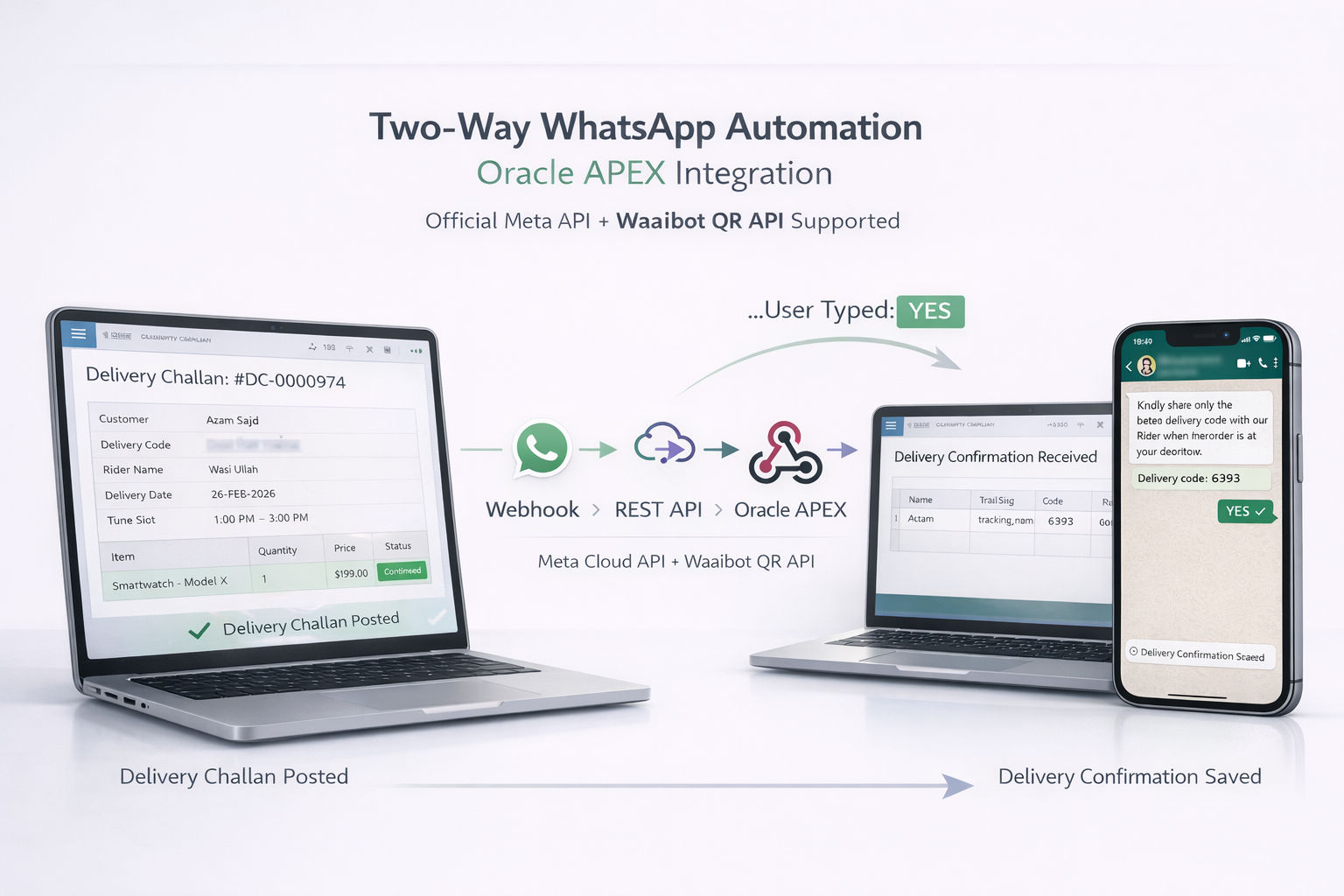
WhatsApp API for Oracle APEX & PL/SQL — Complete Integration Guide
Complete guide to integrating Waaibot WhatsApp API with Oracle Database 11g, 12c, 19c, 21c and Oracle APEX 5+. SSL wallet setup, ACL config, UTL_HTTP and APEX_WEB_SERVICE examples.
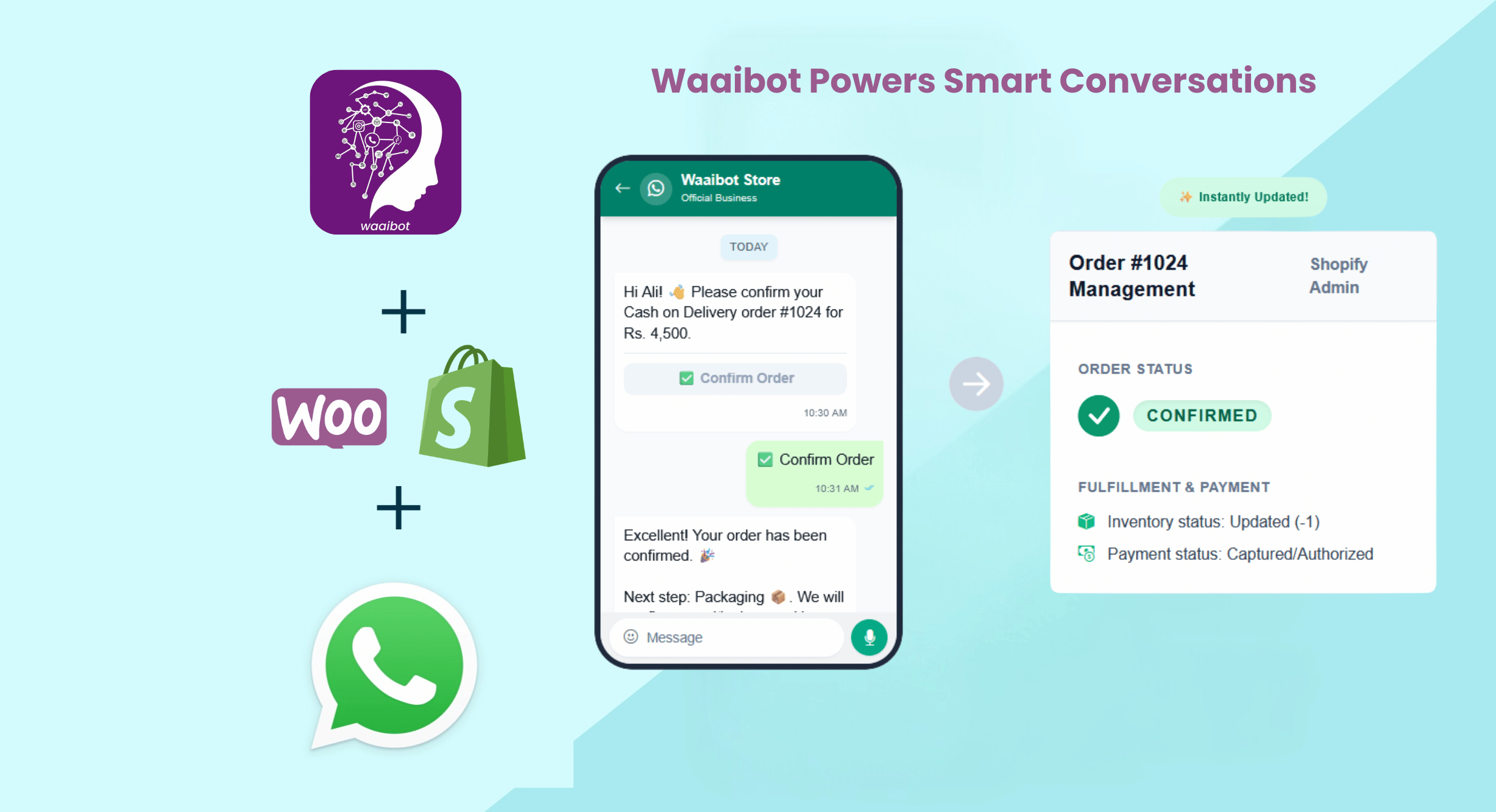
Real-Time Operational Magic: Updating Your Shopify Admin Instantly
Discover how Waaibot's WhatsApp Order Confirmation instantly updates your Shopify Admin Panel—killing RTOs and eliminating manual data entry.